How to add a domain for a company
If you are a reseller partner with Clym, there are many ways to add and manage your customers' domains in your partner portal account. This article will specifically address how to view a company's information.
Viewing your customers in your partner portal account is an easy 3-step process:
- Sign in to the Partner Portal
- Click Customers
- Add a domain for a company
1. Sign in to the Partner Portal
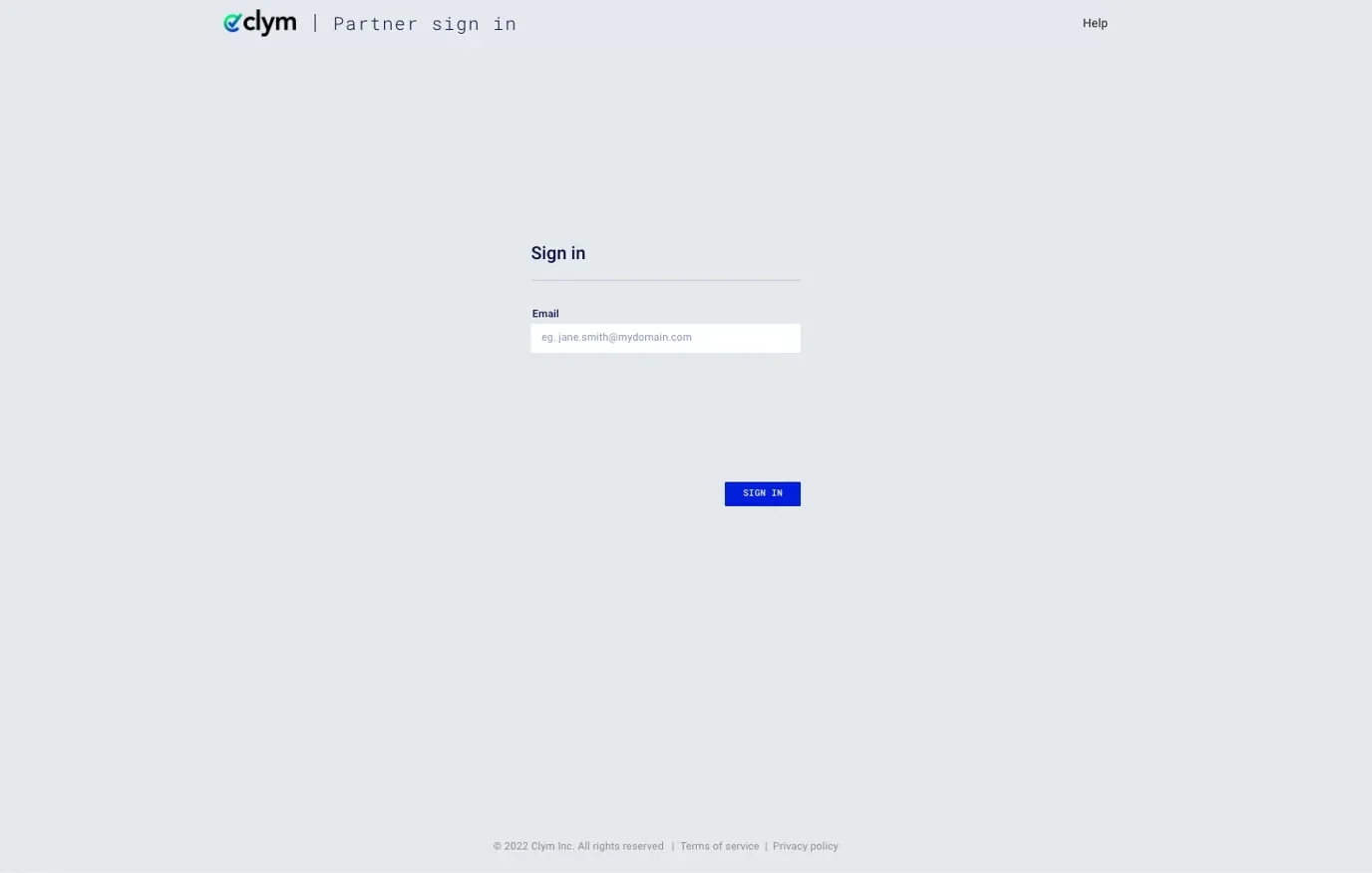
You should have received a magic link in your initial onboarding email. Please click Sign in from the email to get started. Alternatively, navigate to the Partner Portal to sign in.
2. Click Customers
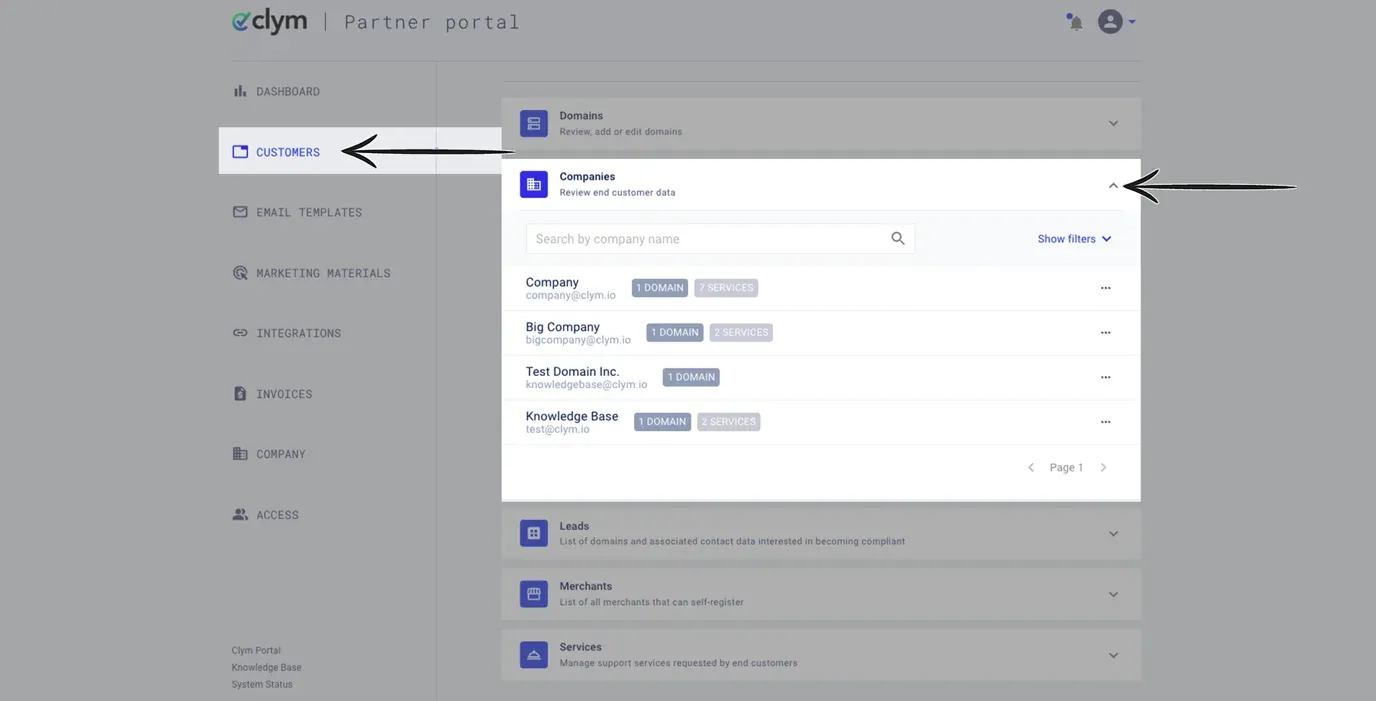
From the left-hand menu, select Customers. Click the drop-down arrow next to Customers to expand the section.
3. Add a domain for a company
To search or filter for a specific company, you can use the search bar to type in the name of the company you would like to view the information for, or click Show filters to expand more selections. In the filters menu, you can choose a Referral partner and/or Added between filters.
Referral partner: In the Referral partner field, you can select if this company has been added by a referral partner account.
Added between: In the added between field, you can select a data range for which the customer was added to your Partner Portal account.
To add a domain for a company, click Add domain next to the company for which you would like to add the domain.
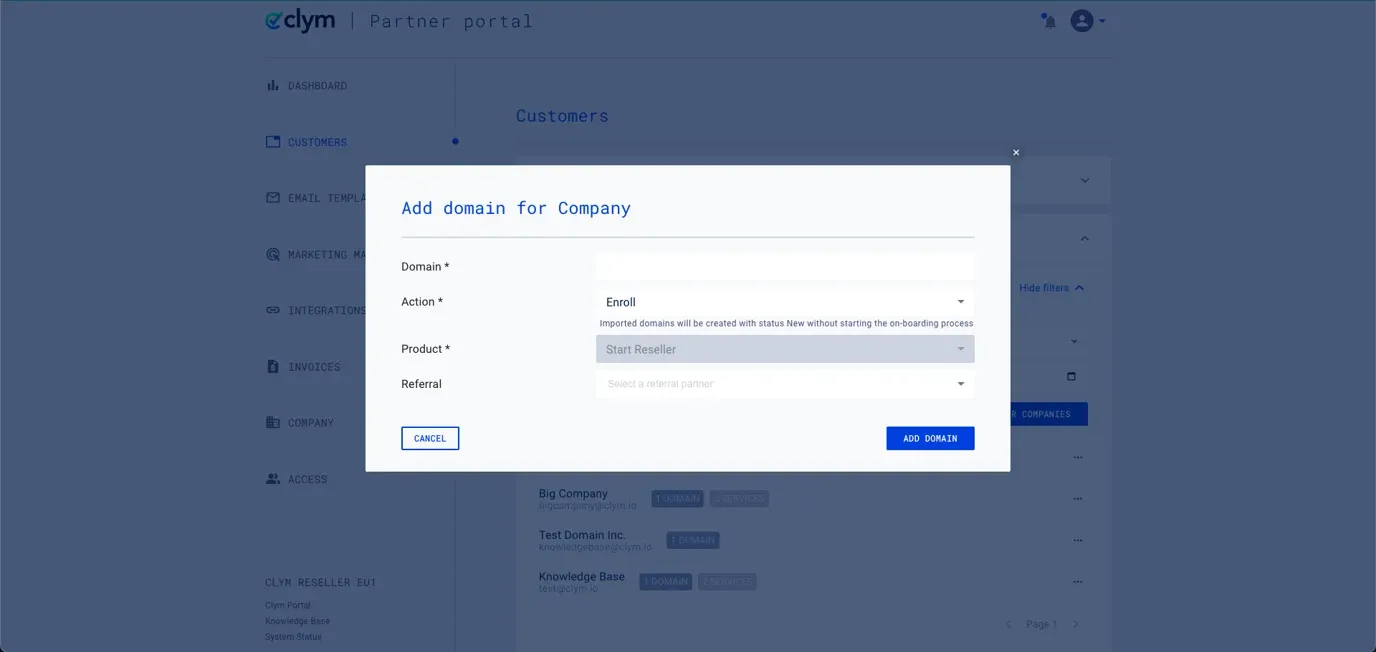
In the pop-up window, enter the Domain you want to add to the customer account. In the Action field, select what you would like Clym to do with the domain. In the Product field, select the Clym product that you would like to add to the domain, depending on the number of monthly page views. Please note this field may already be selected for you based on your Partner Portal settings. If this domain is associated with a referral partner, enter this information into the Referral field. Click Add Domain.
If you encounter any challenges, please reach out to us at support@clym.io.