How to deactivate an API key you no longer need
By establishing an API connection between your CRM and Clym, you can easily integrate your customer and merchant domains into your Partner Portal account and automate your domain management. Rather than needing to make changes through an import or one-by-one, an API can help keep track of changes in real-time. If you need to remove an API Key you no longer need, it is simple to do at any time.
Deactivating an API Key is an easy 3-step process:
- Sign in to the Partner Portal
- Access API Keys
- Deactivate API key
1. Sign in to the Partner Portal
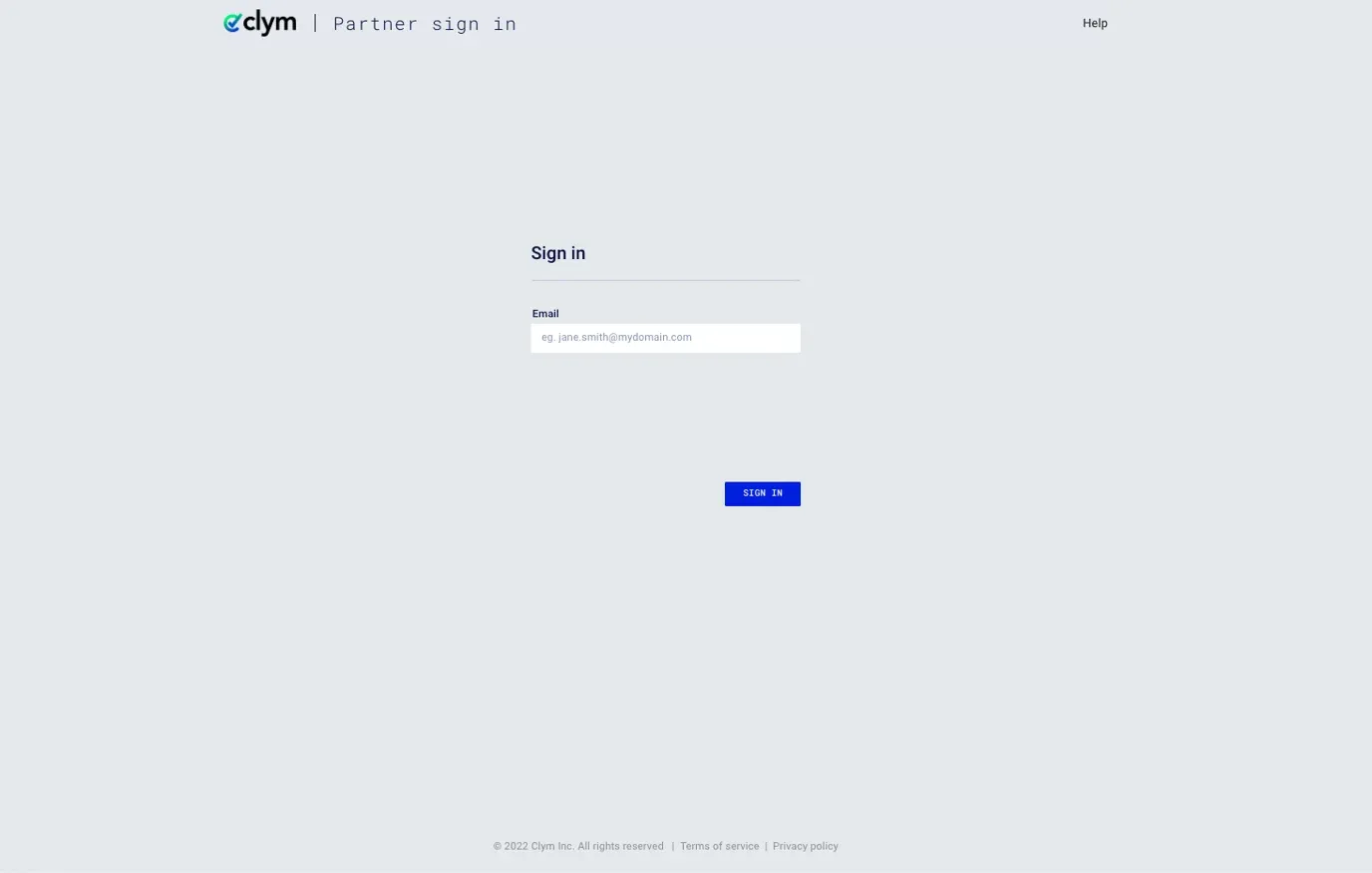
You should have received a magic link in your initial onboarding email. Please click Sign in from the email to get started. Alternatively, navigate to the Partner Portal to sign in.
2. Access API Keys
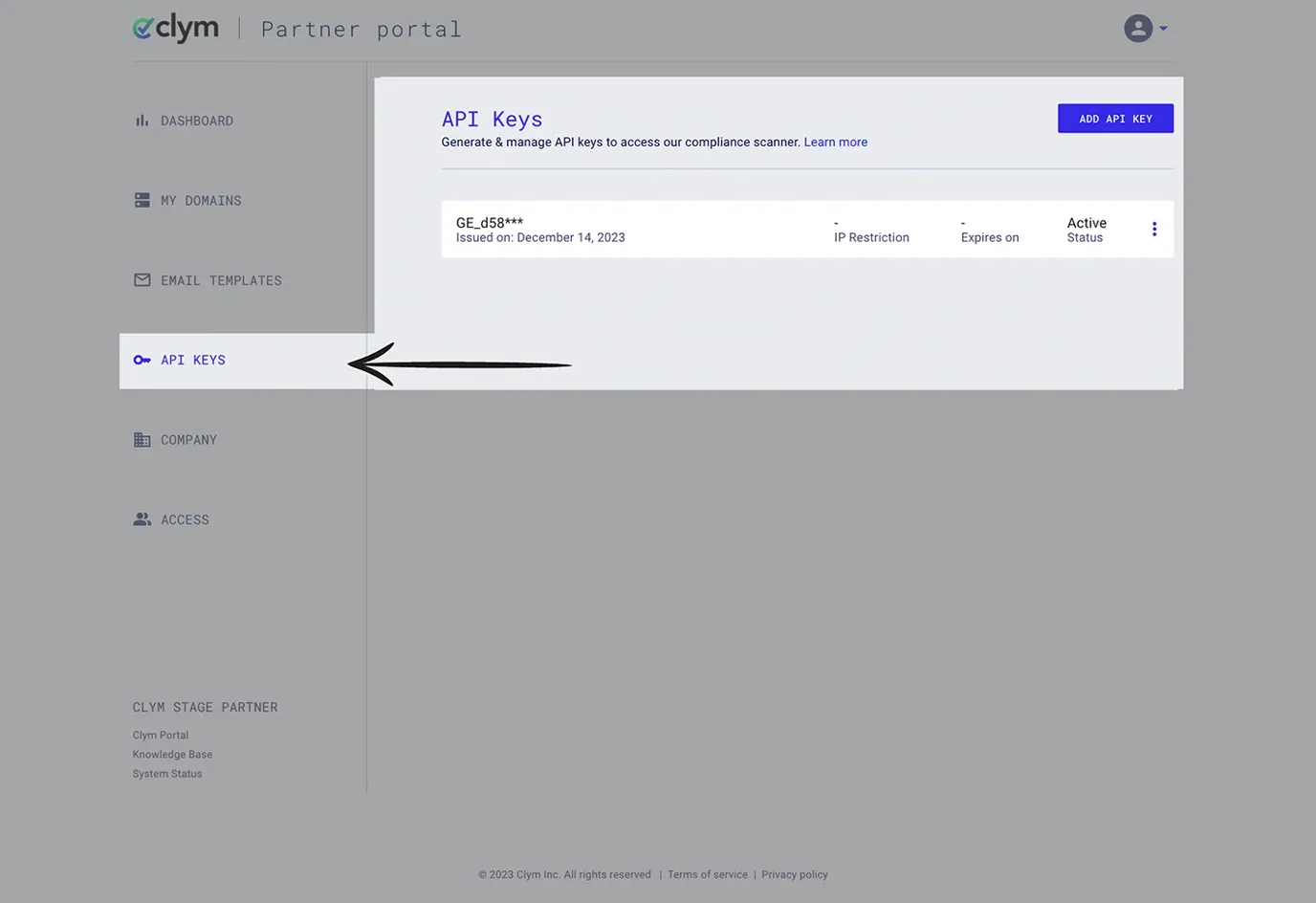
From the left-hand menu, select Integrations and then API Keys.
3. Deactivate API key
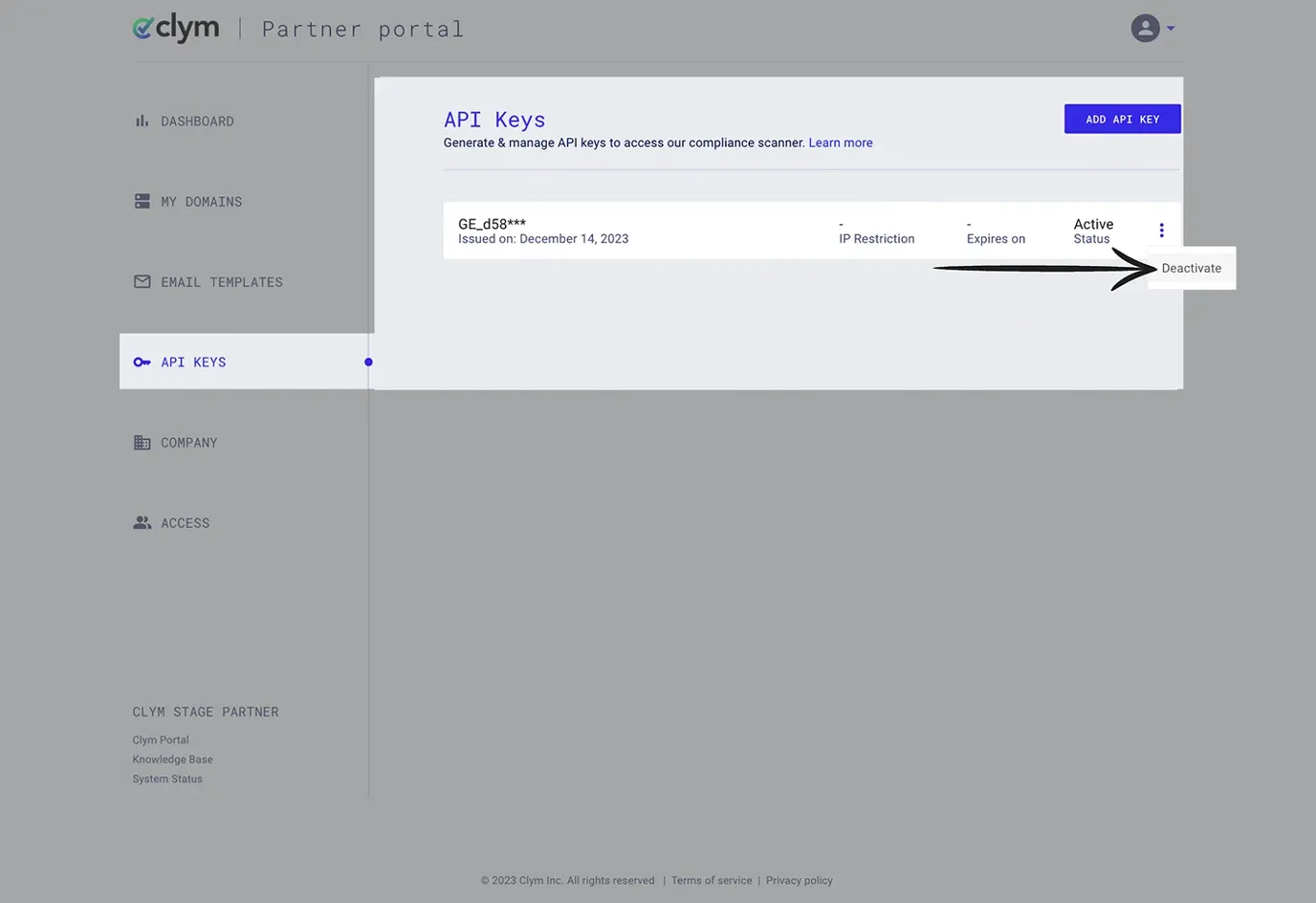
Click the three dots next to the API key that you would like to deactivate and click Deactivate.
Deactivating an API key permanently deletes it; it cannot be reactivated. Should you need it again, you will have to add a new one (how to add a new API key).
Confirm that you would like to deactivate the API Key.
If you encounter any challenges, please reach out to us at support@clym.io.