How to reset your password
Updating your password regularly can help to keep your account safe and secure, and we generally recommend doing so once every 6 months. When choosing a password, we recommend including one uppercase letter, one lowercase letter, one number, and one symbol. Resetting your password is an easy 3-step process:
- Sign in to the Partner Portal
- Access security settings
- Change password
1. Sign in to the Partner Portal
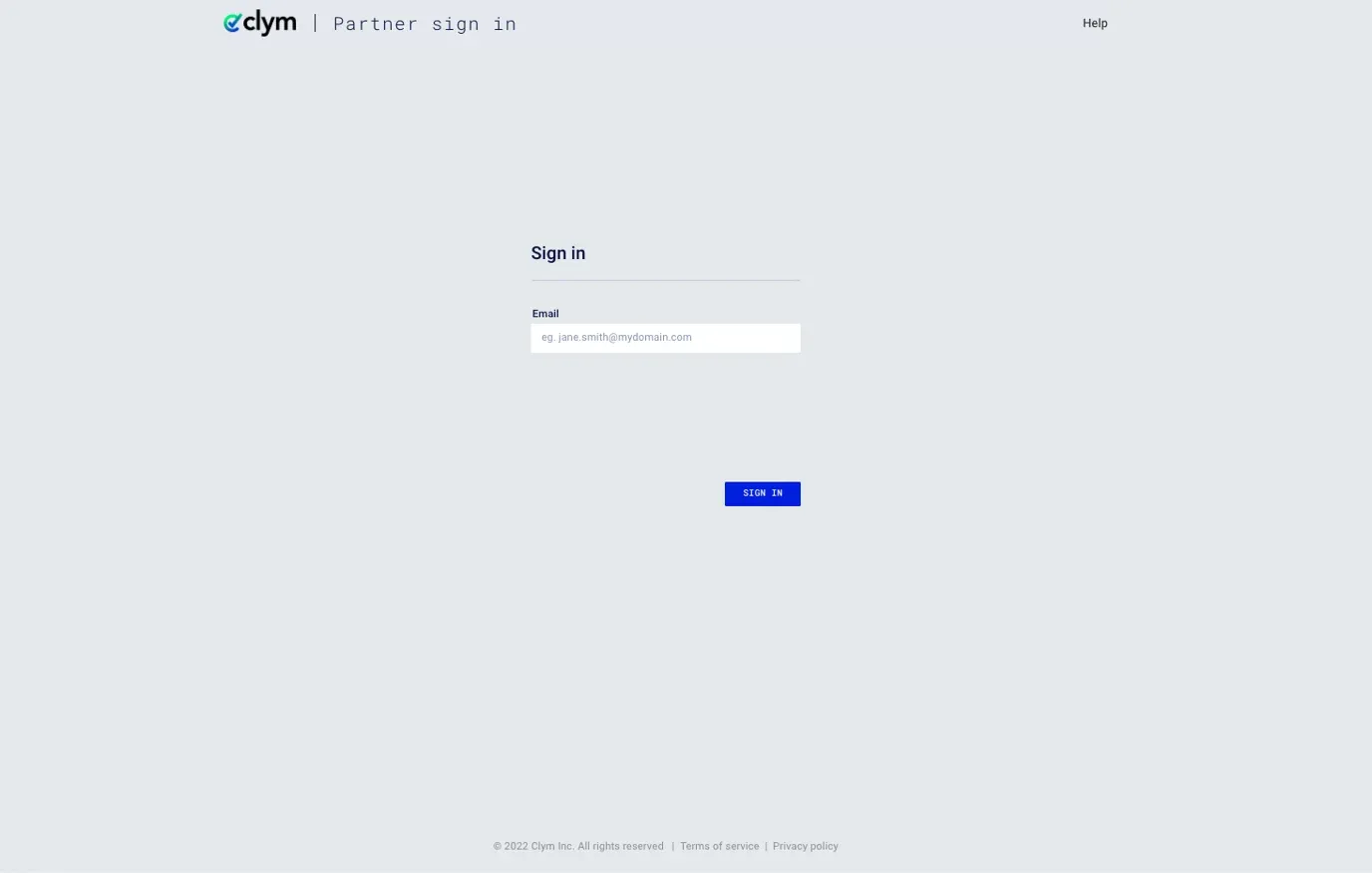
You should have received a magic link in your initial onboarding email. Please click Sign in from the email to get started. Alternatively, navigate to the Partner Portal to sign in.
2. Access security settings
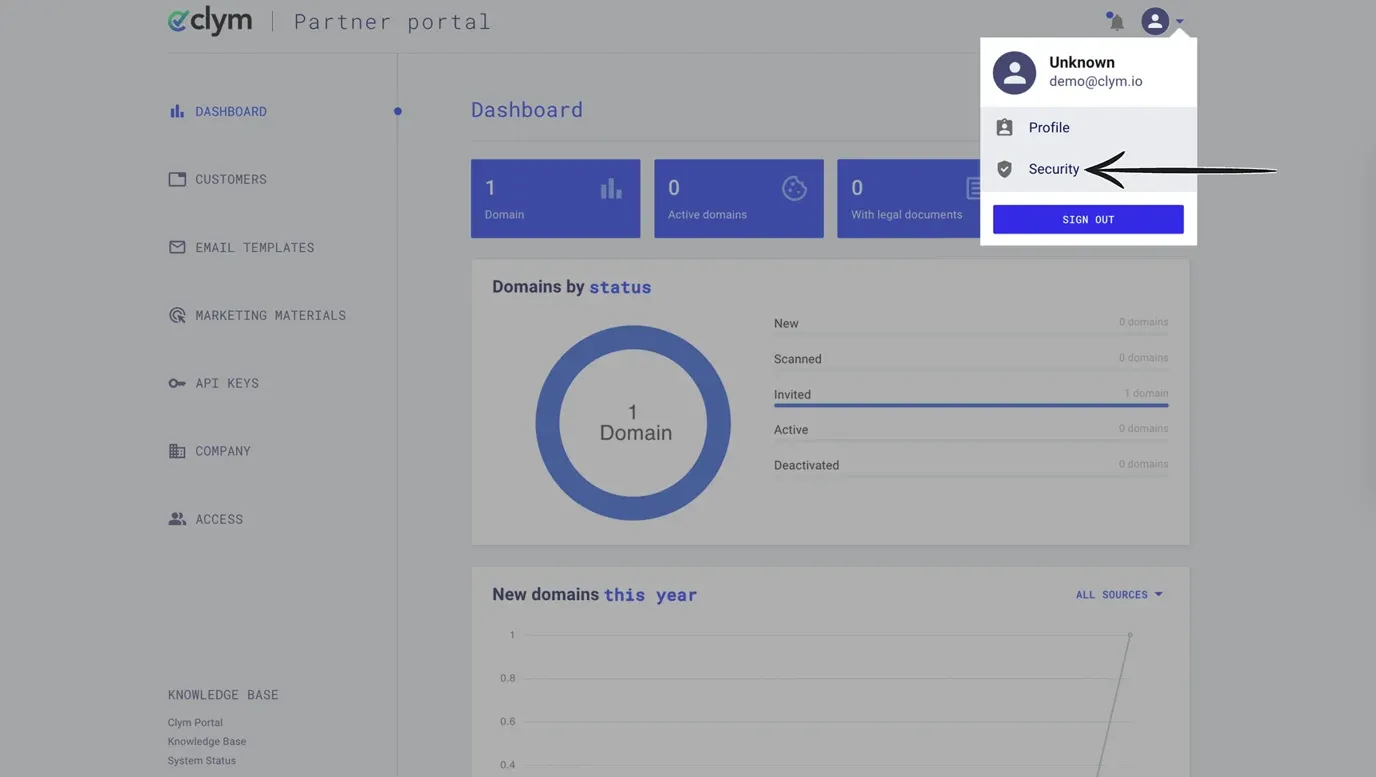
In the top right-hand corner, click the drop-down arrow next to the person icon to open your account settings menu. From the options, select Security.
3. Change password
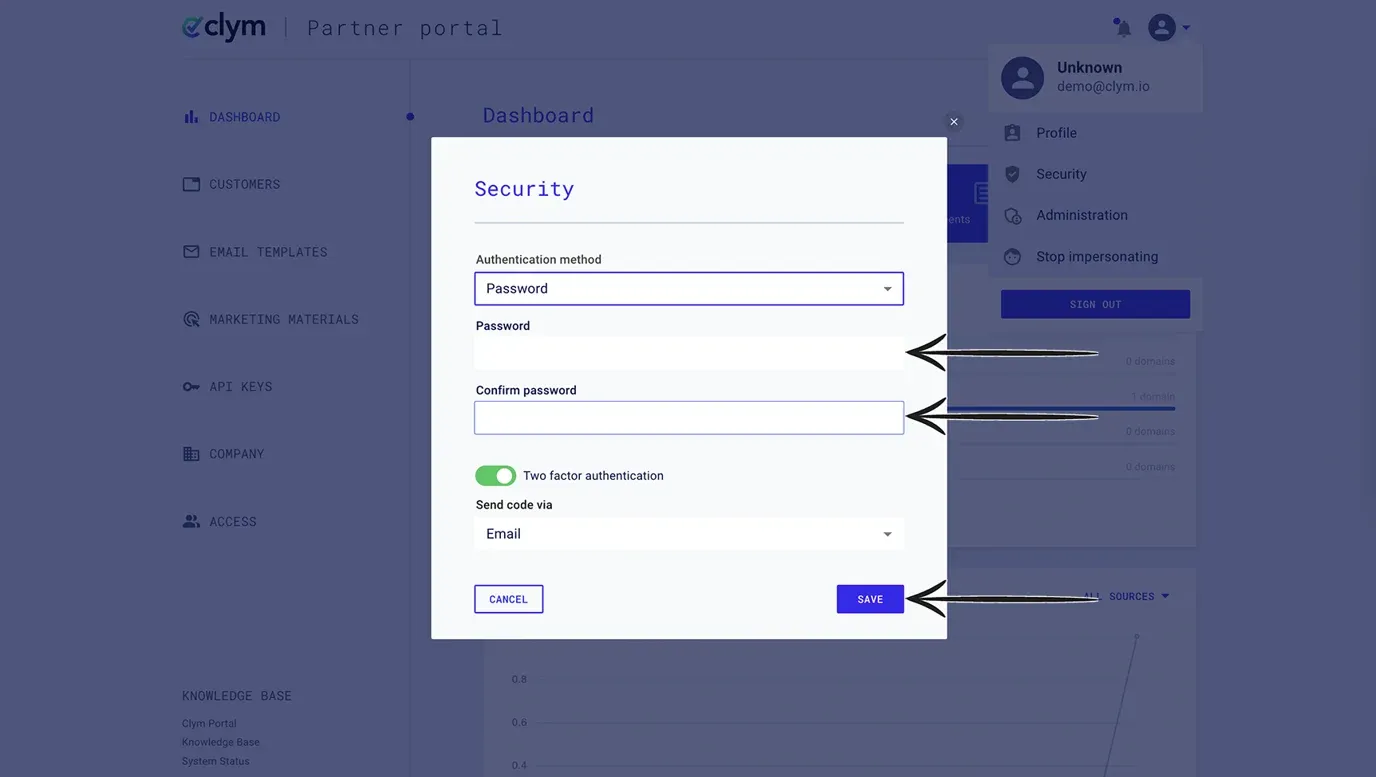
From the pop-up window, type your new password in the Password field. Re-enter your new password in the Confirm password field. If you would like, you have the option to toggle on two-factor authentication. Click Save.
If you encounter any challenges, please reach out to us at support@clym.io.