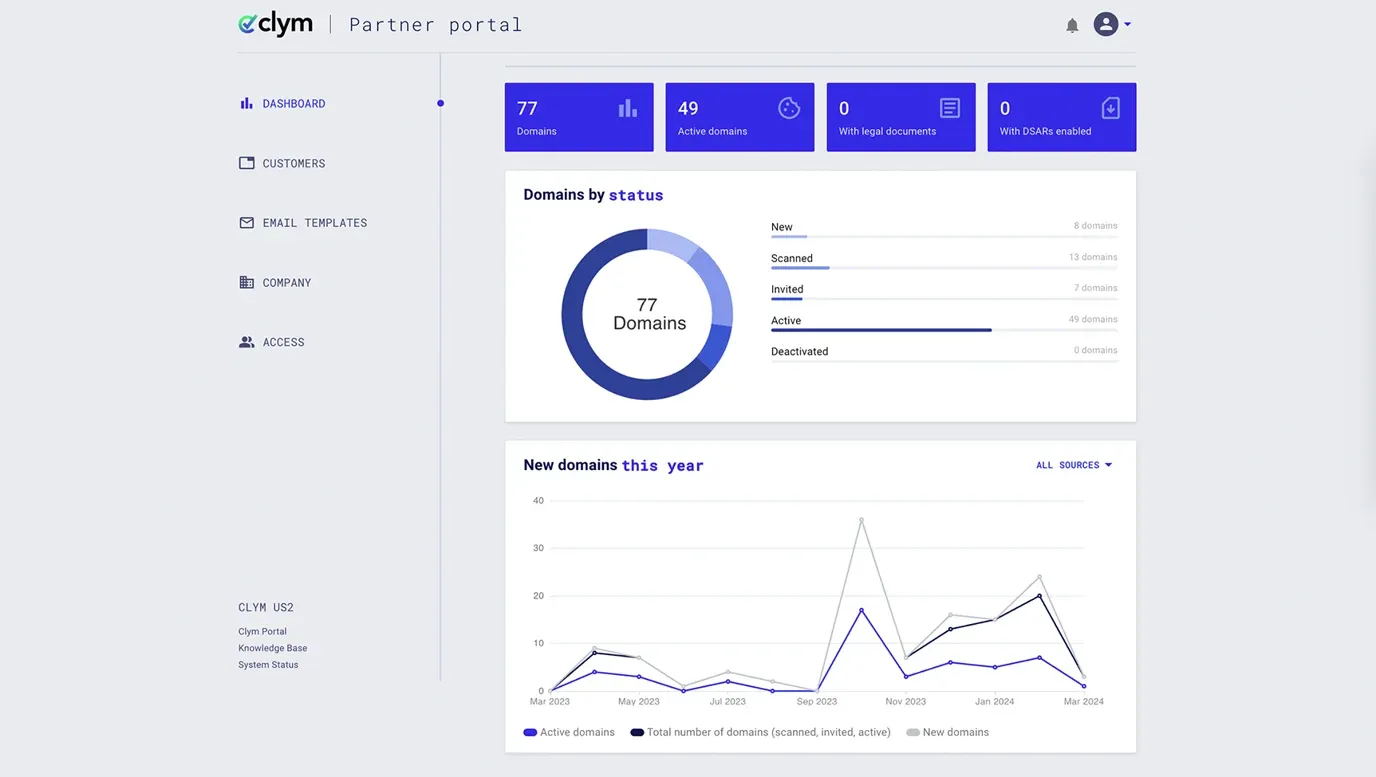
How to sign in using a magic link
The default sign-in option for your Partner Portal account is via a magic link sent to your account email address each time you want to access the platform. Signing into Clym using a magic link is quick and secure. Using our magic link verification method is an easy 3-step process:
- Sign in to the Partner Portal
- Check your email
- Access the Partner Portal
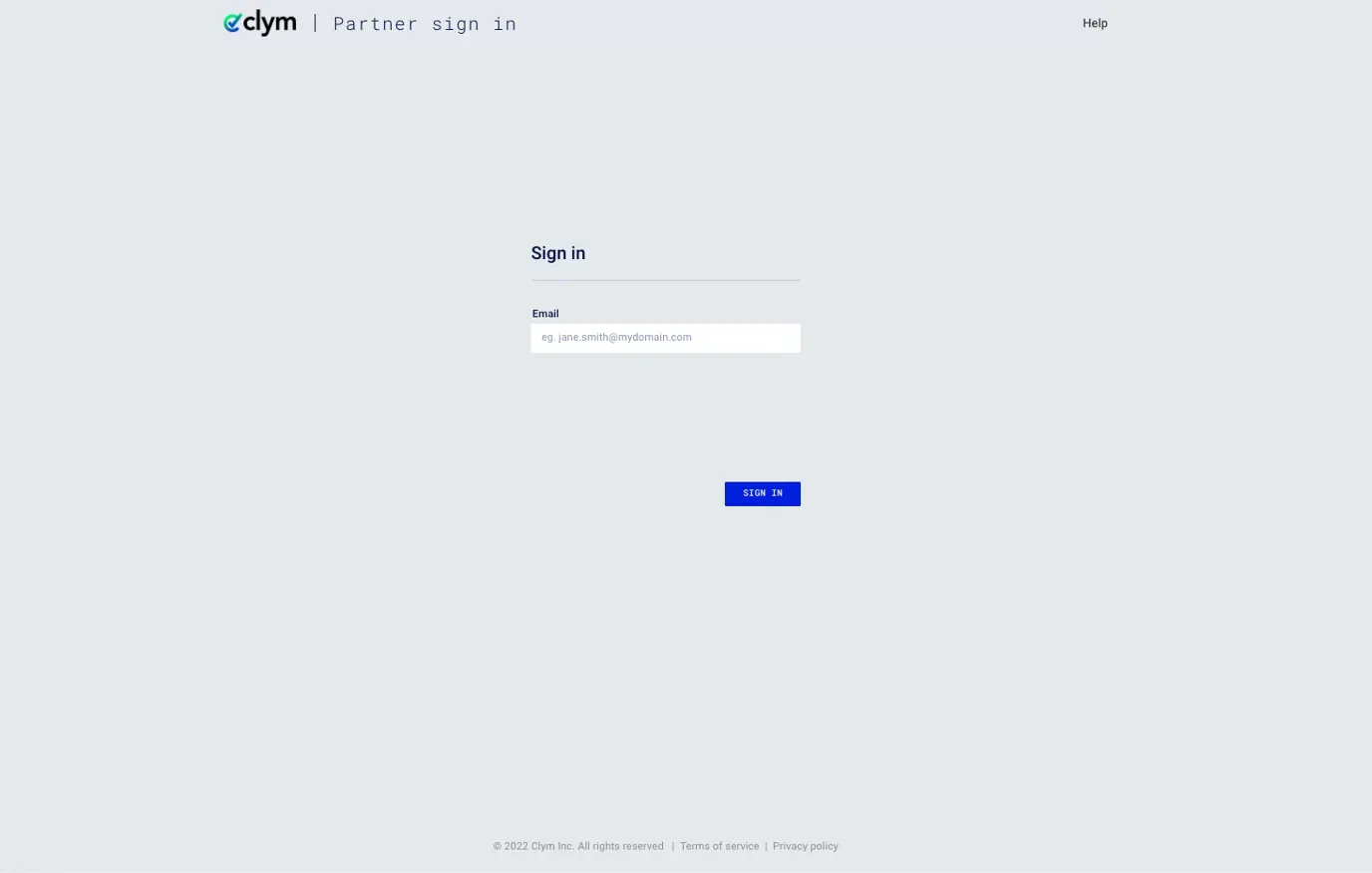
1. Sign in to the Partner Portal
You should have received a magic link in your initial onboarding email.
2. Check your email
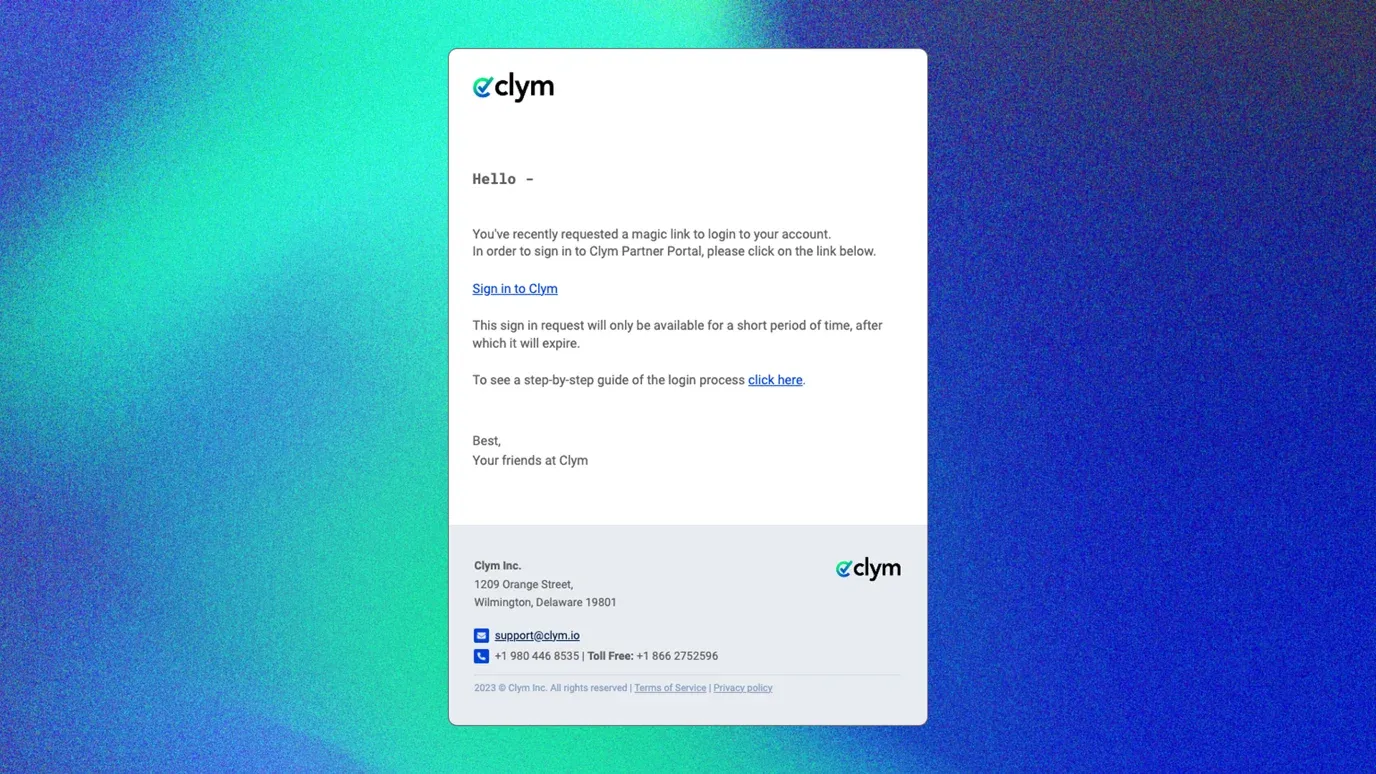
Clym will automatically send you an email containing a link to sign into the Partner Portal. From your email, click Sign in to Clym.
3. Access the Partner Portal
That's it! You will be taken to your Partner Portal account.
Click here to see all sign-in options available for your Partner Portal account.
If you encounter any challenges, please reach out to us at support@clym.io.