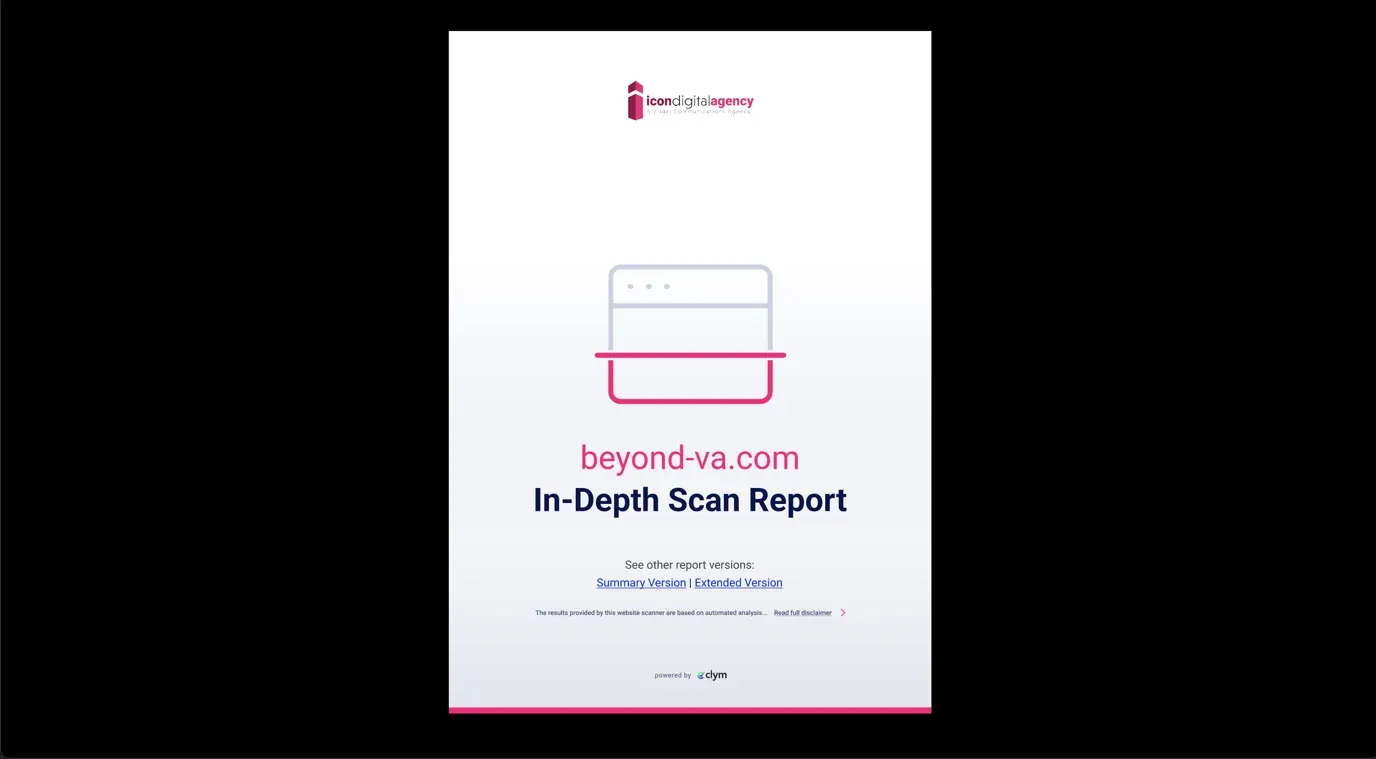
How to access a customer's scan report
Clym's scan reporting tool is a great way to educate, empower, and impress your customers. The scan report provides a snapshot of any consent management tools in play, an overview of cookies and scripts found, and an accessibility review of the website's content. After a customer or merchant domain has become active, you can easily access the scan report for their website at any time in your Partner Portal account.
Viewing a scan report is an easy 3-step process:
- Sign in to the Partner Portal
- Access Customers
- View scan report
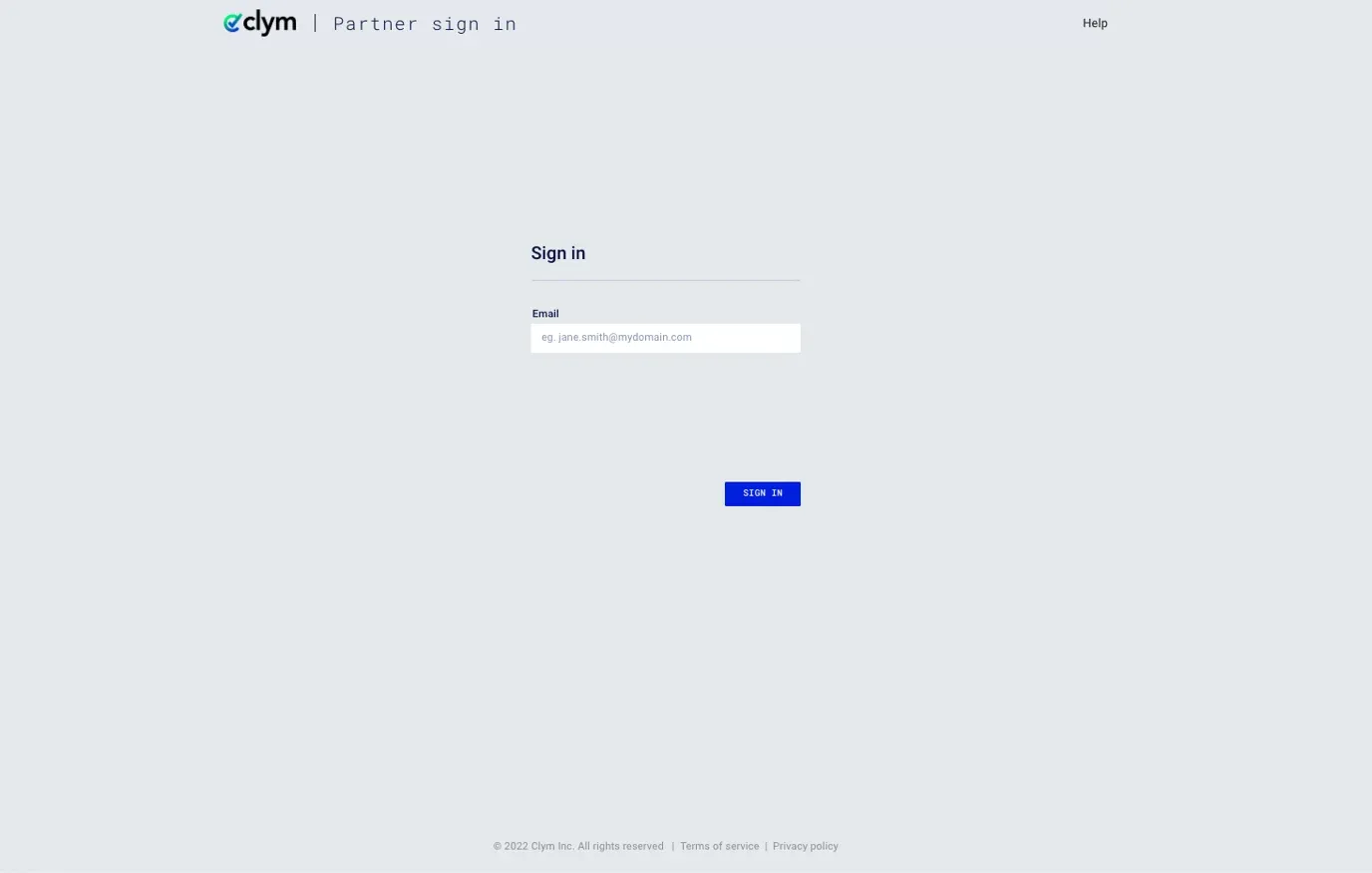
1. Sign in to the Partner Portal
You should have received a magic link in your initial onboarding email. Please click Sign in from the email to get started. Alternatively, navigate to the Partner Portal to sign in.
2. Access Customers
From the left-hand menu, select Customers. Search for the domain you would like to view the scan report for and click Download scan report.
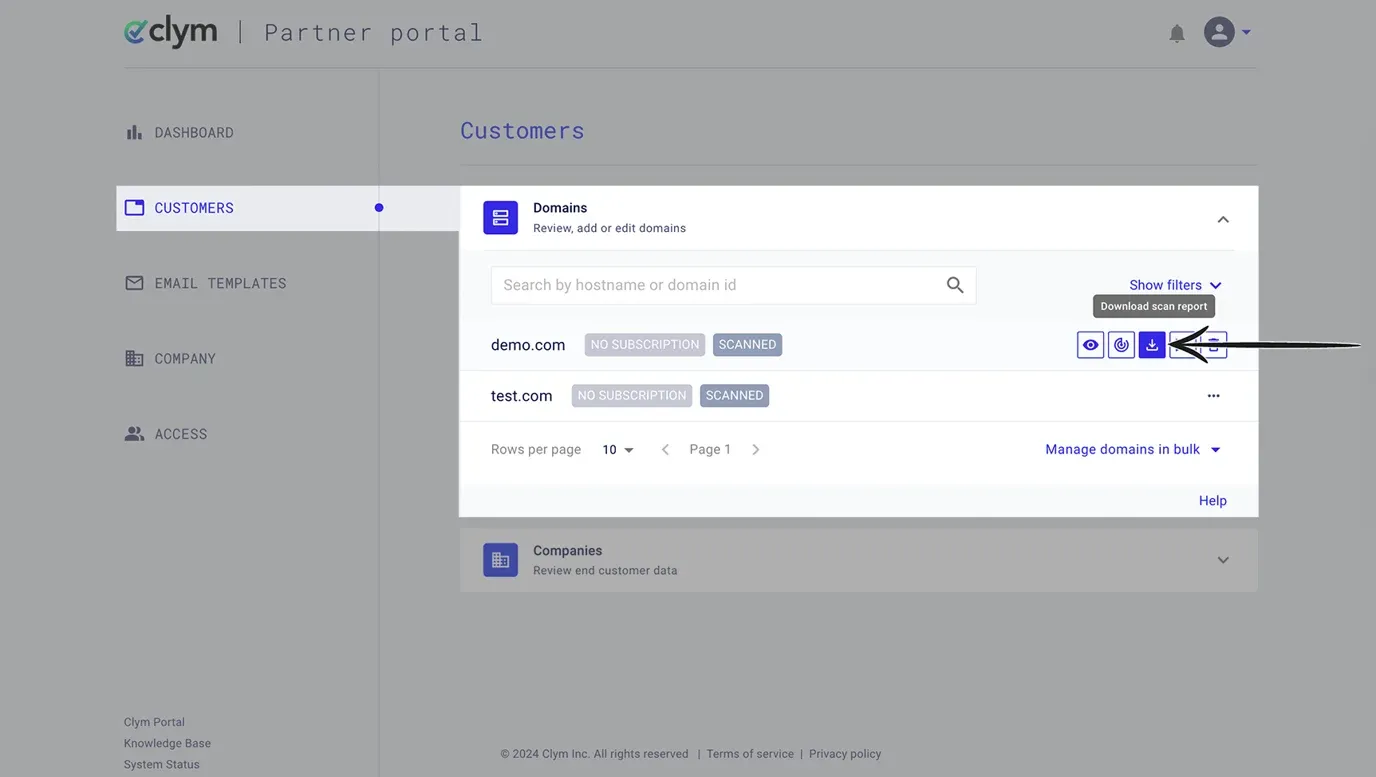
3. View scan report
The scan report will open in a new tab as a PDF file. From here, you can download or print the scan report.
If you encounter any challenges, please reach out to us at support@clym.io.