How to deactivate multiple domains
If you have a large number of customer or merchant domains that require deactivation, our bulk deactivation feature can help to save time. Deactivating multiple domains is an easy 3-step process:
- Sign in to the Partner Portal
- Access Customers
- Use the template to deactivate domains
1. Sign in to the Partner Portal
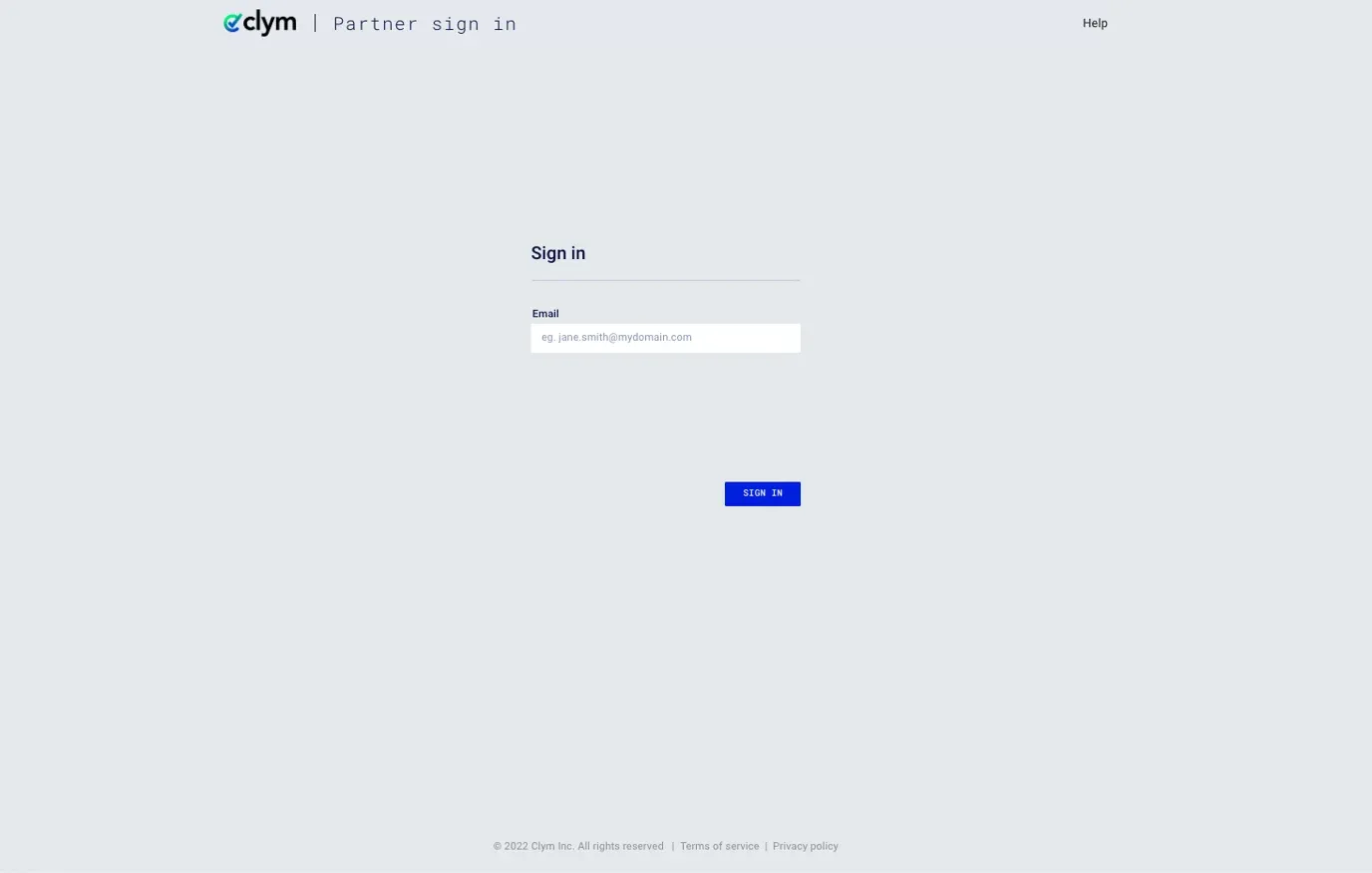
You should have received a magic link in your initial onboarding email. Please click Sign in from the email to get started. Alternatively, navigate to the Partner Portal to sign in.
2. Access Customers
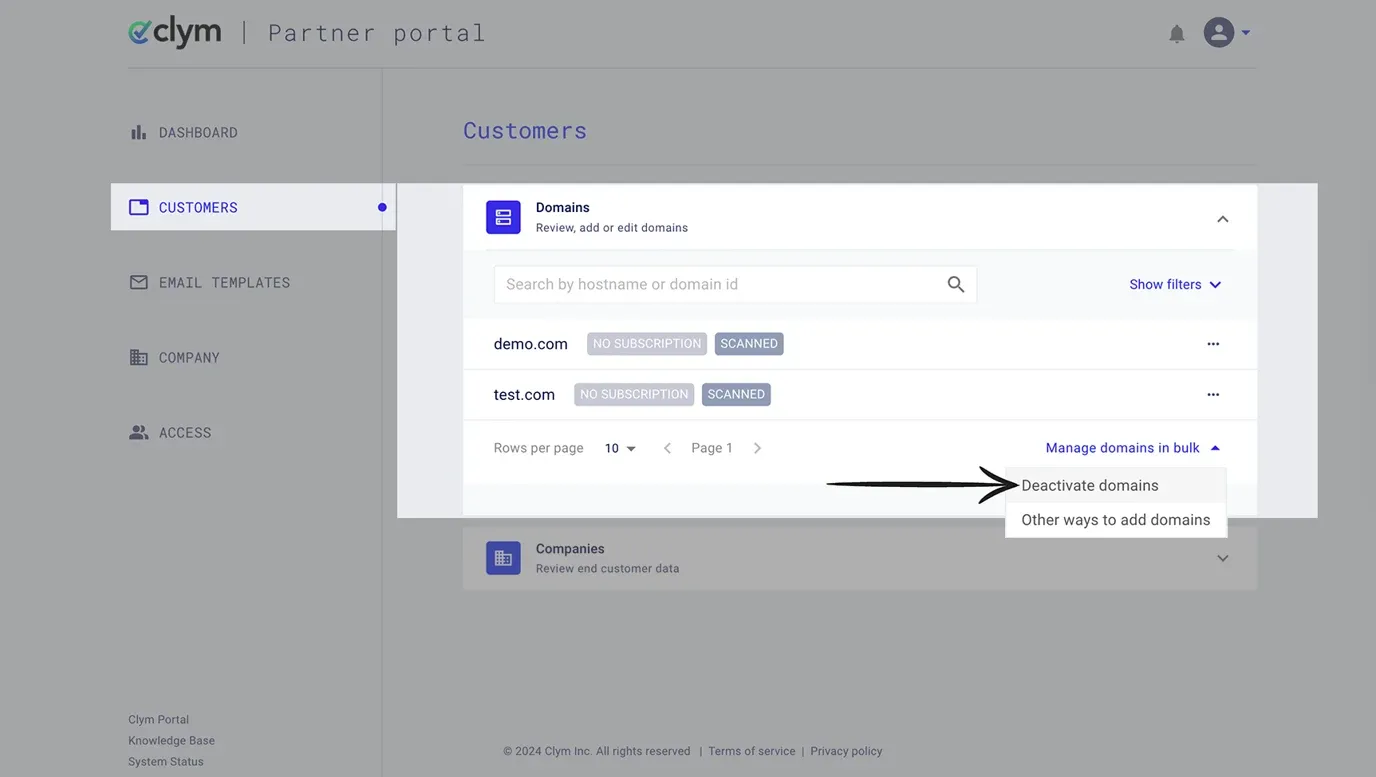
From the left-hand menu, select Customers. Expand the Domains section. First, click Manage domains in bulk and then select Deactivate domains.
3. Use the template to deactivate domains
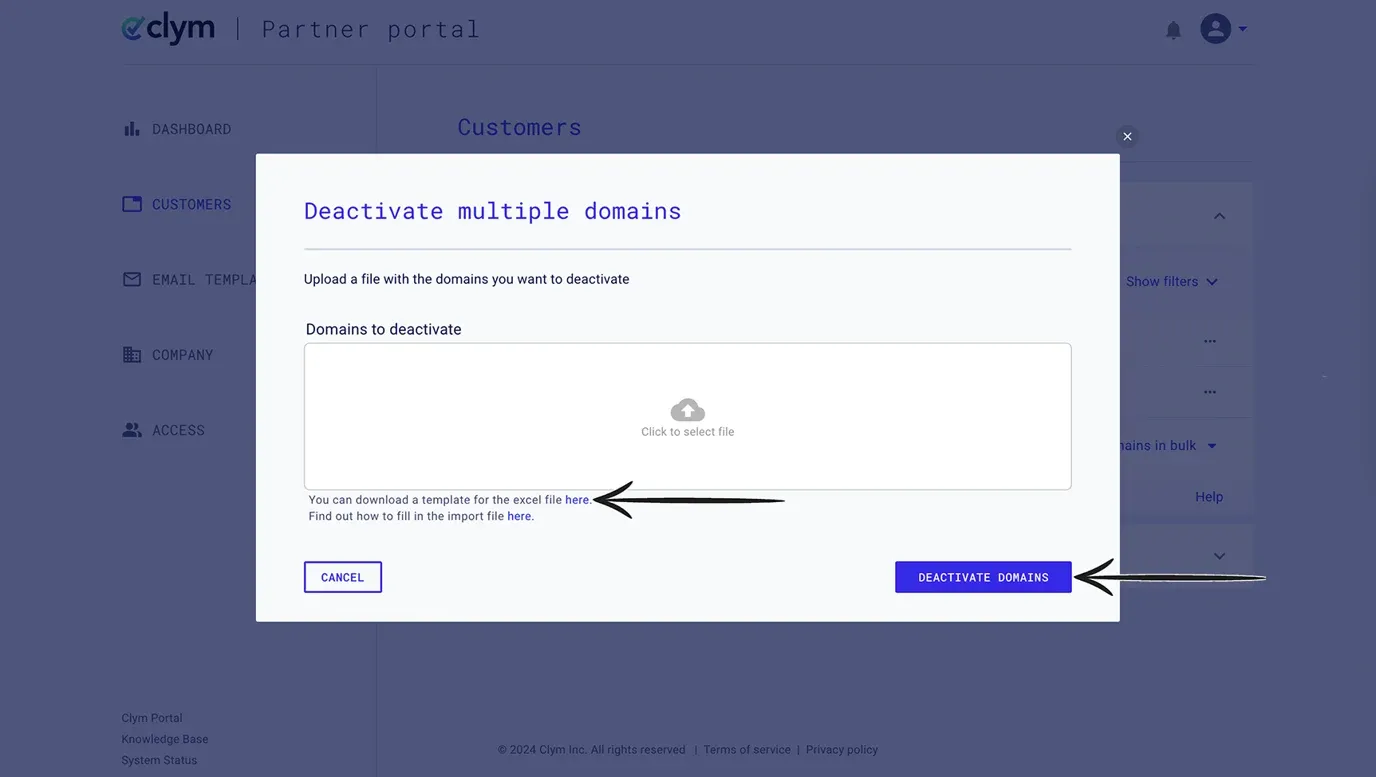
You can either download the template from the pop-up window. After filling out the template, Click to select file in the Domains to deactivate window to upload your file. Click Deactivate Domains.
If you already have the file on your computer from a previous use, you can replace the data in that and import it. You do not need to download the template every time.
If you encounter any challenges, please reach out to us at support@clym.io.