How to change the product on a customer's domain
As your customers' website traffic may evolve over time, Clym is here to support their changes and growth to complement their compliance needs. If one of your customers needs to switch to a different plan to support their website traffic, you can make changes on behalf of your customer directly within your Partner Portal account.
- Sign in to the Partner Portal
- Search for the domain
- Change the product
1. Sign in to the Partner Portal
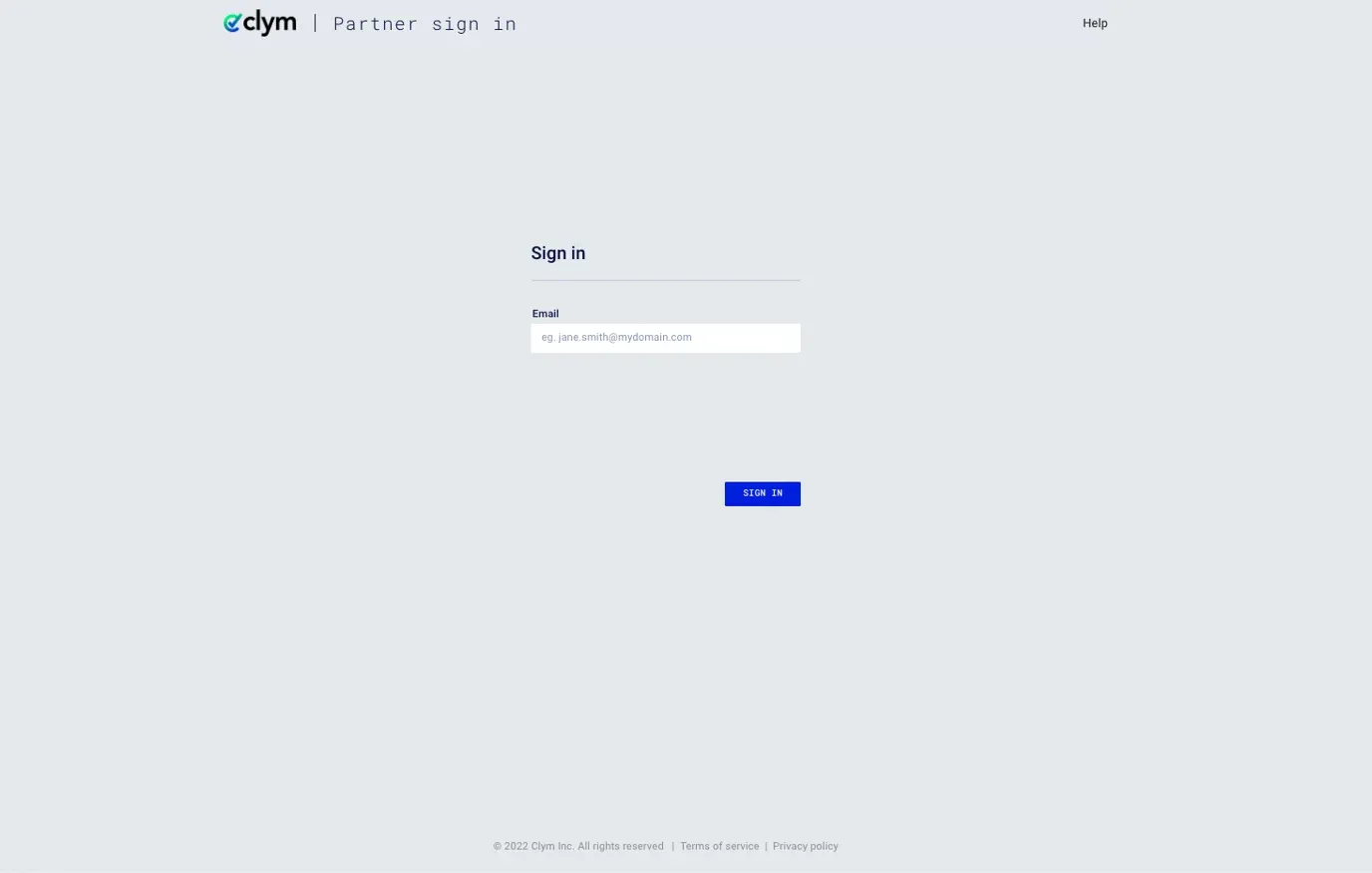
You should have received a magic link in your initial onboarding email. Please click the link to sign in, or you can navigate to the Partner Portal to sign in.
2. Search for the domain
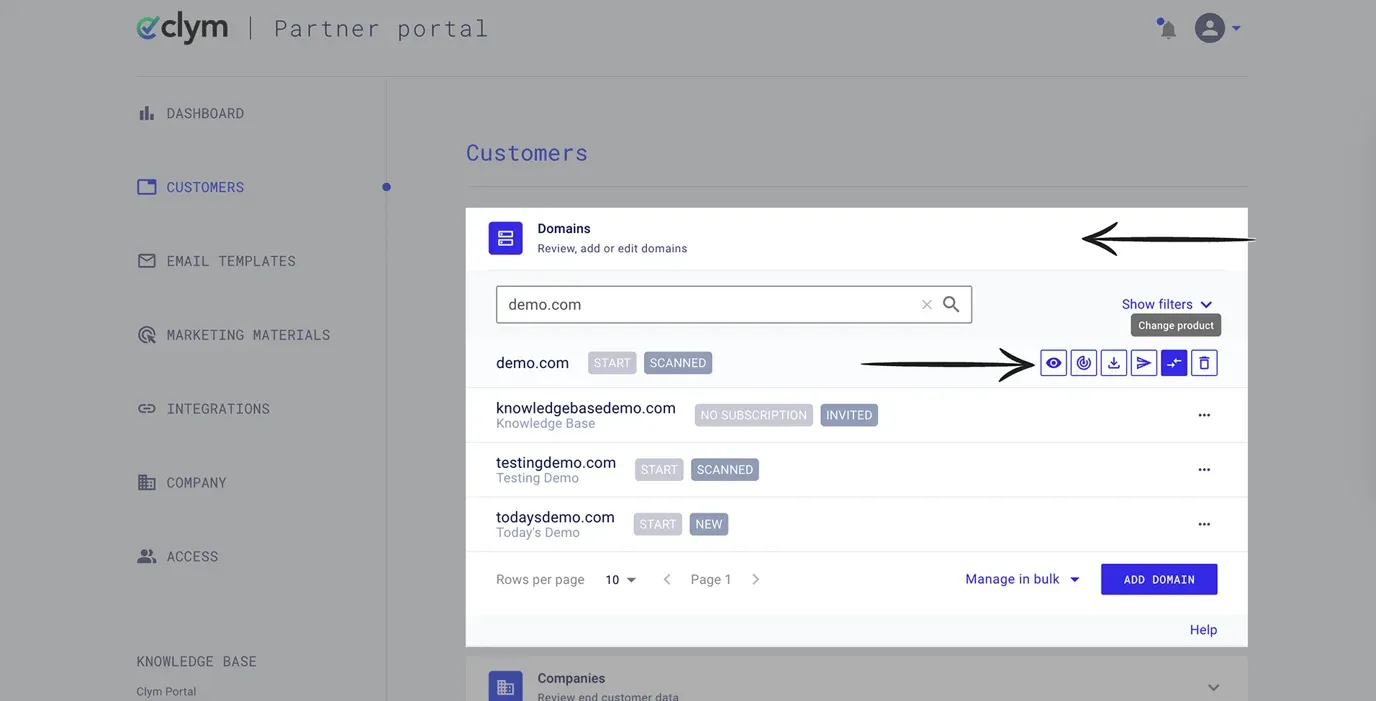
From the left-hand menu, select Customers. Click the drop-down next to Domains to expand the selection.
Please find the domain on which you would like to switch the product. Click the double switch arrow symbol to change the product for this domain.
3. Change the product
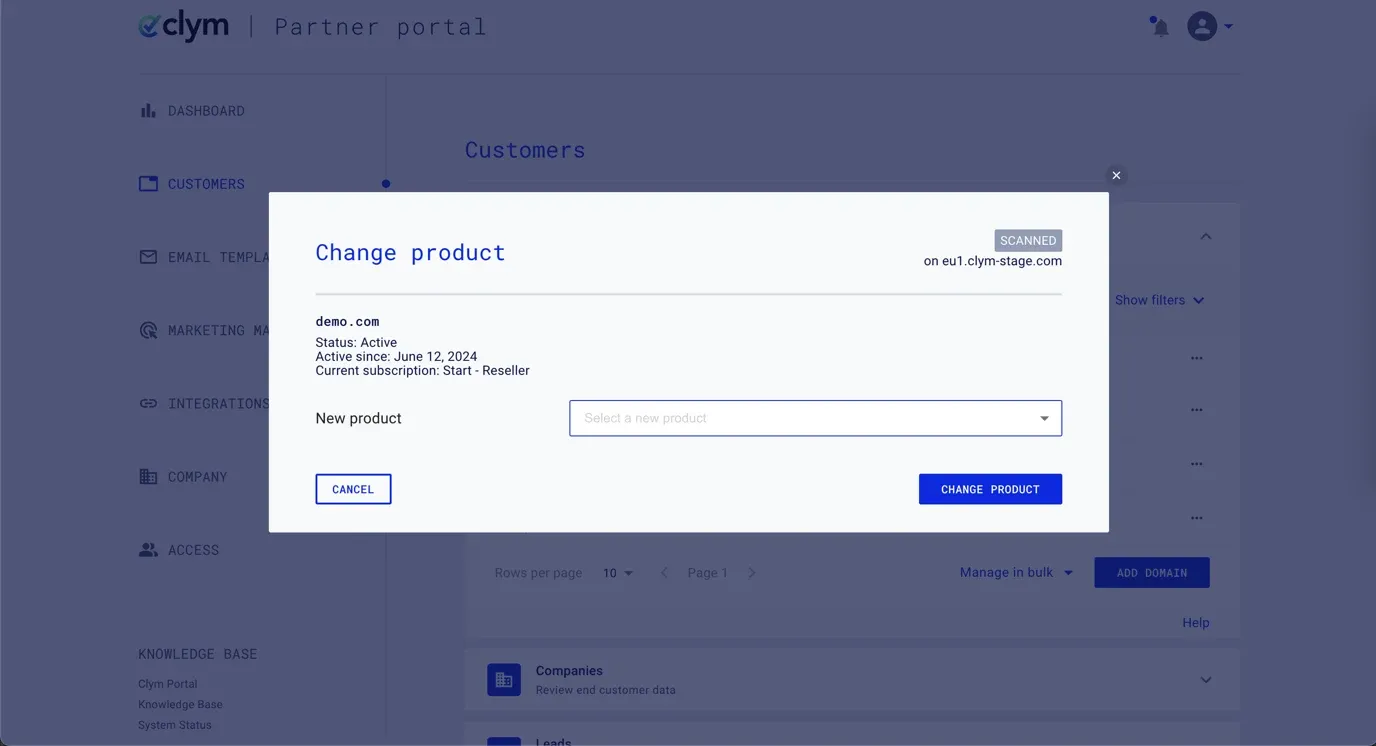
In the pop-up window, you will be asked to confirm that you would like to change the product associated with this domain. In the New product drop-down menu, select the product that you would like to switch the domain to. Click Change Product.
If you encounter any challenges, please reach out to support@clym.io.